Face recording now available for PC playtests
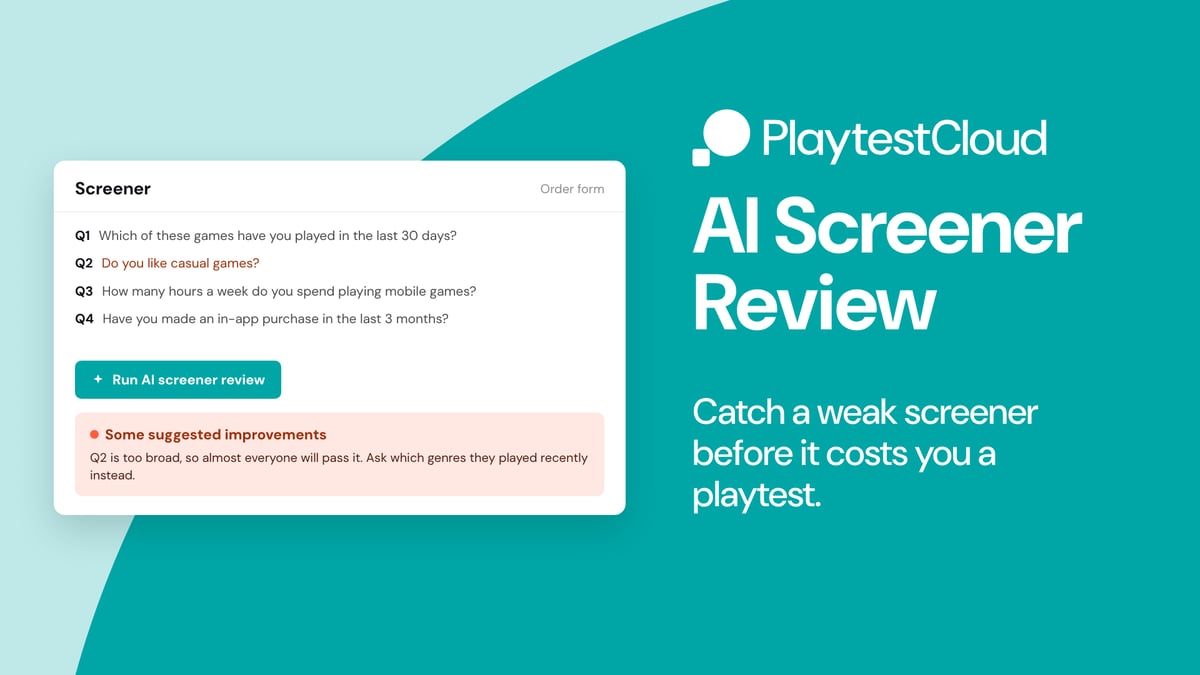
Your screener decides who plays your game. Get it slightly wrong and you end up with the wrong players and a playtest you have to run again.
So we've added a way to catch that before you order. In the screener section of the order form, you'll find a new button: Run AI screener review. Click it and you'll get a read on your screener in a few seconds.
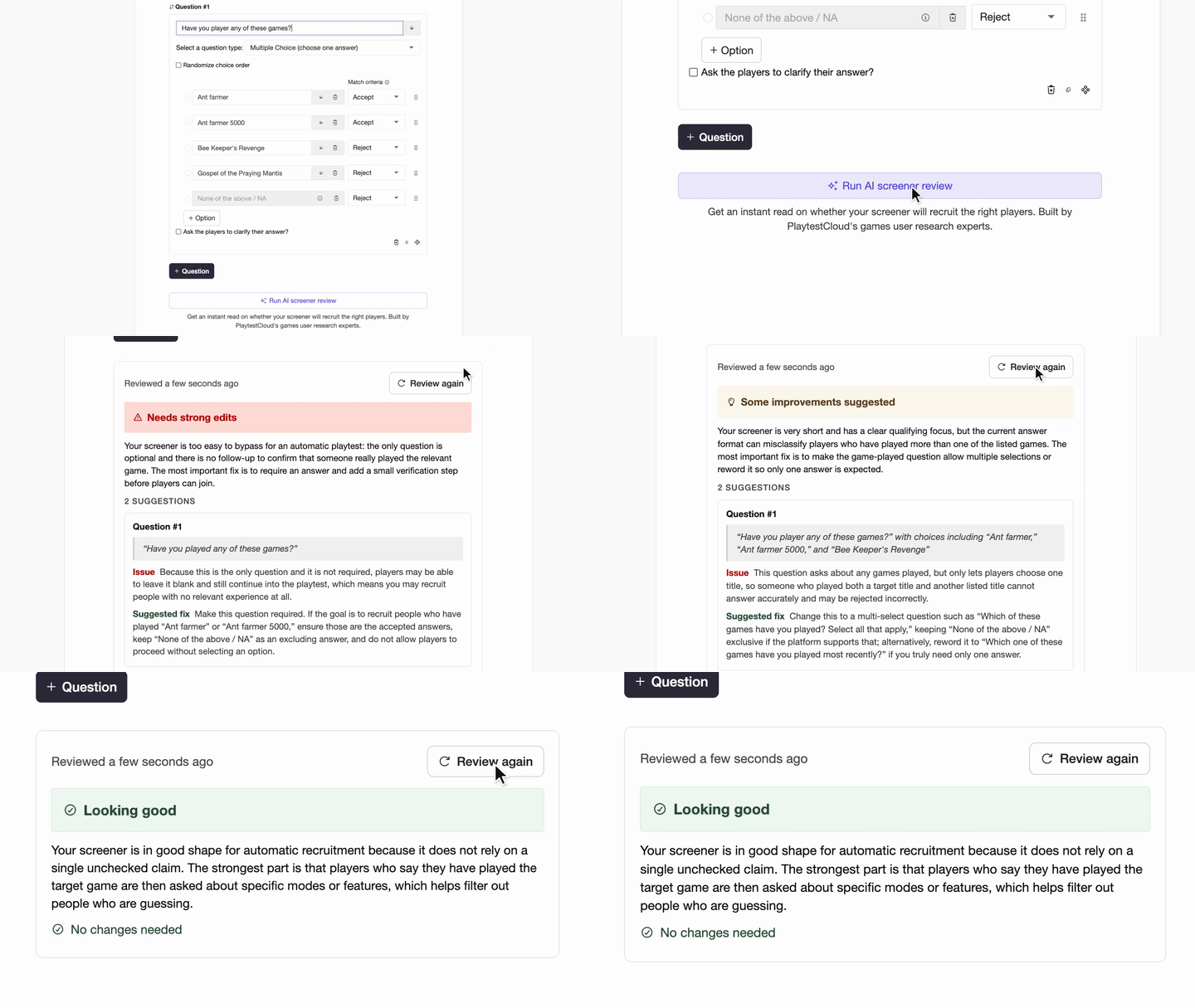
You'll see one of three results:
- Looking good
- Some suggested improvements
- Strong edits recommended
If something needs work, you'll see which question is causing the trouble and a suggestion for how to fix it in plain language.
A few things worth knowing:
- Ordering pauses while the check runs, then unlocks again
- Your result stays on the form, even after a reload
- The suggestions aren't binding. Fix what you want, ignore the rest and order when you're ready
Open the order form, build your screener and hit Run AI screener review at the bottom of the screener section.

We're PlaytestCloud and we help game studios gather feedback from their target players and make more successful games. Thanks for reading!