Face recording now available for PC playtests
More people on your team can now build and submit a playtest order and an approver reviews it before it goes live. No surprise playtests, no budget spent without the right person taking a look.
How it works
Collaborators on your team can now build a playtest order, and then send it for approval to Admins and Creators. The order appears in a new Waiting for approval tab on the My Playtests page, and approvers get an email right away. Once it's approved, the playtest starts automatically. If it's sent back, it returns to drafts.
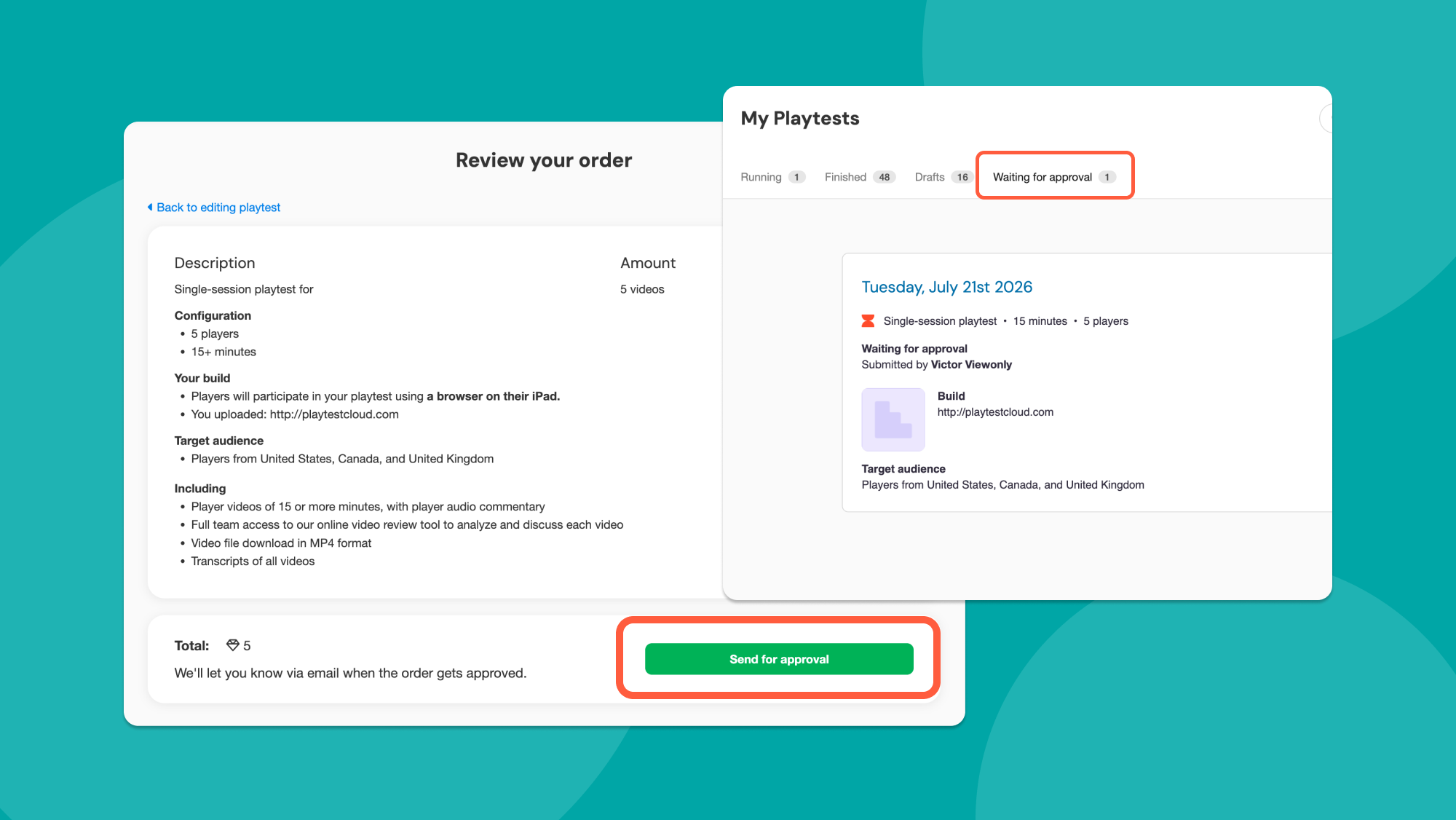
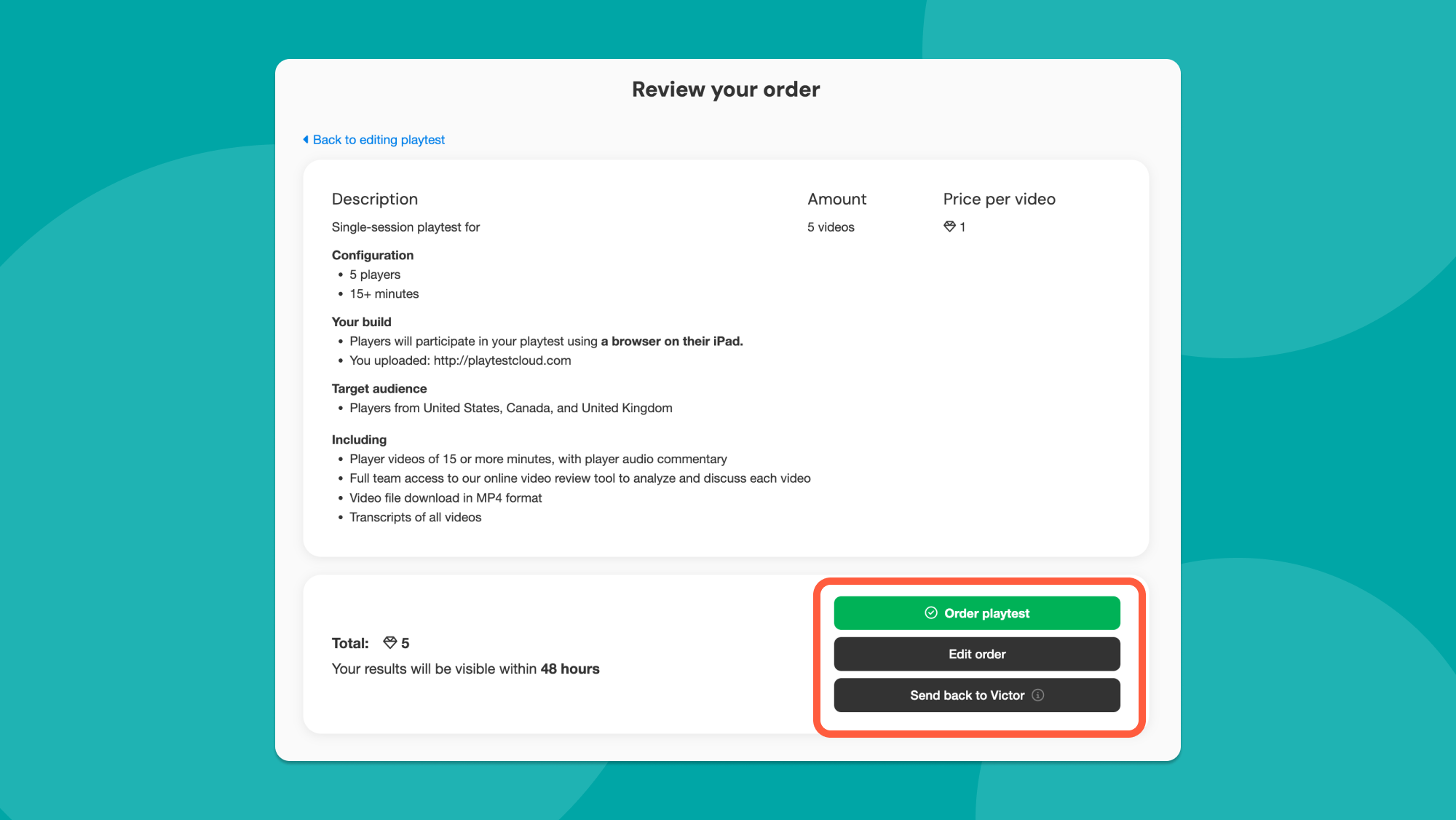
Admins and Creators find submitted orders in the new Waiting for approval tab on their My Playtests page. From the order summary they can approve the playtest, edit it directly before starting it or send it back to the sender. Small fix needed? Approvers can make it themselves instead of bouncing the order back.
TL;DR
Approvals are on for all Professional Advanced and Enterprise teams starting today:
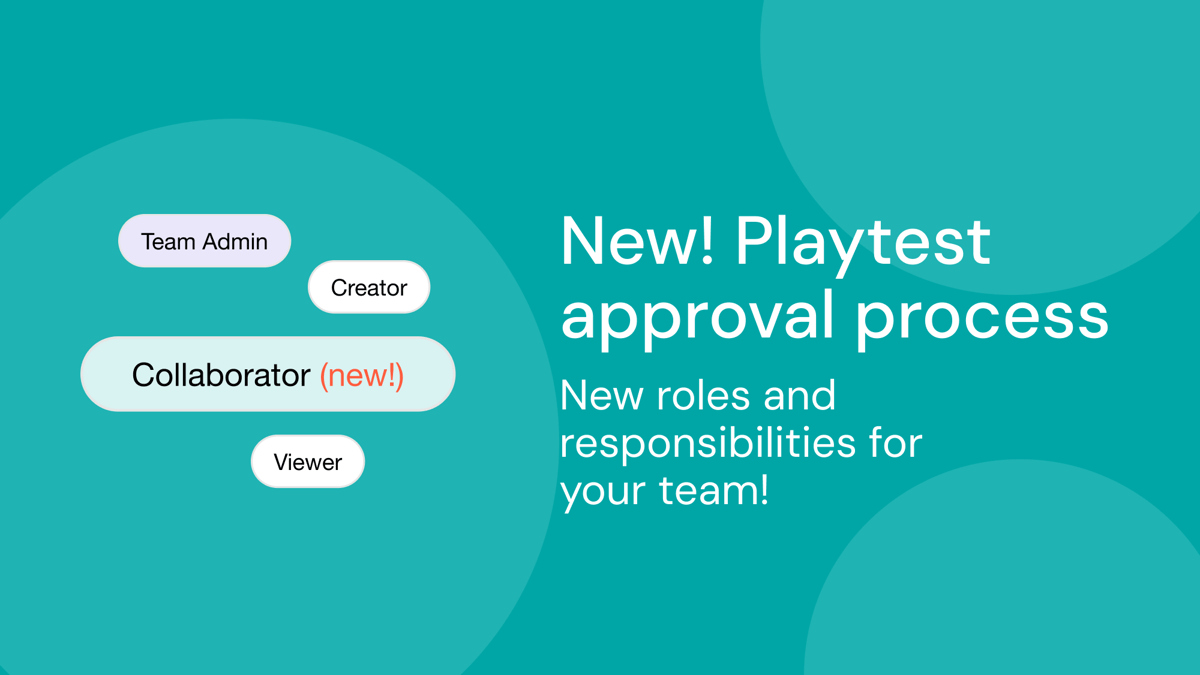
- Team admins and creators can order and approve
- Collaborators submit orders for approval
- Viewers can view and annotate
If you’re an Admin, check out your Add/remove teammates tab on the menu to review your team’s roles!

We're PlaytestCloud and we help game studios gather feedback from their target players and make more successful games. Thanks for reading!