New: Playtest approvals for teams
When it comes to recruiting players for your playtests, you’re used to having two options on PlaytestCloud: with players from our panel, or with players from your own community. If you've ever tried the second option, you know there’s a pretty big task that slows things down: collecting email addresses from your Discord or mailing list, formatting them, and uploading a list before your order can go through.
What's new
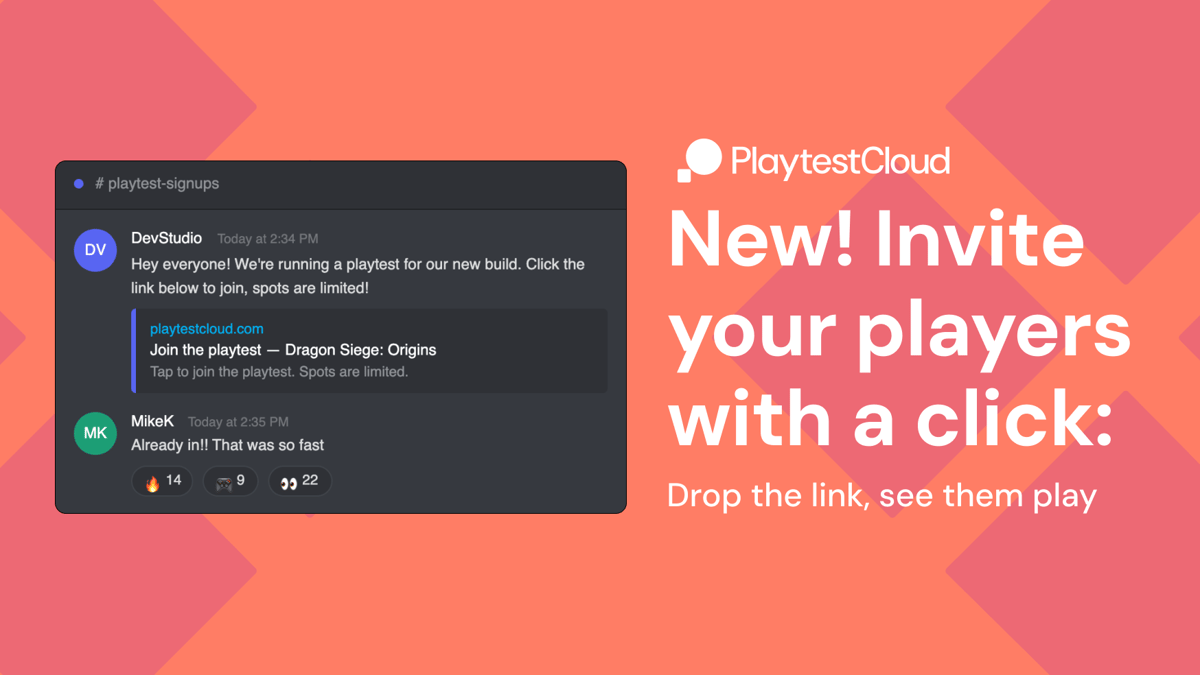
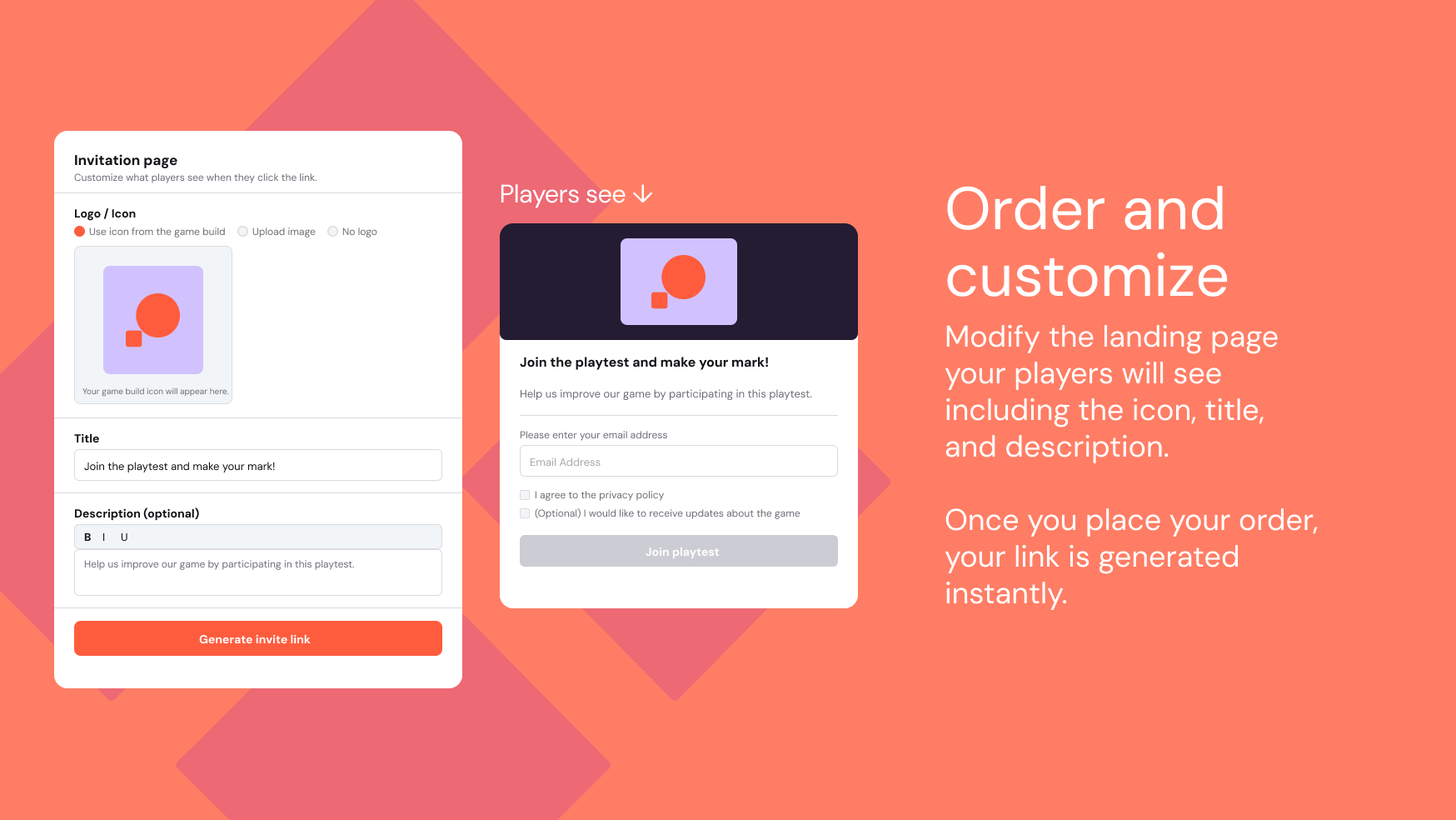
That step? Gone! Studios can now invite their own players with a single URL. In the order form, under "Specify your target audience," choose Bring your own players and you'll see two options: Create an invite URL or Share a list of emails. Select the link option and the URL generates once your order is placed.
Share it wherever your players are: Discord, social media, a mailing list, anywhere your community lives. Players click it, land on your invitation page, enter their email, agree to any terms you've set, and join the test directly.
The invitation page is yours
Before placing your order you can set what players see when they arrive: your game's icon or a custom logo, a title and description in your own words, and any clickthrough agreements players need to accept: a privacy policy link, a custom NDA, a newsletter opt-in. You can also write a custom message for players who arrive after the test is full, so they get a proper response, rather than a dead end.
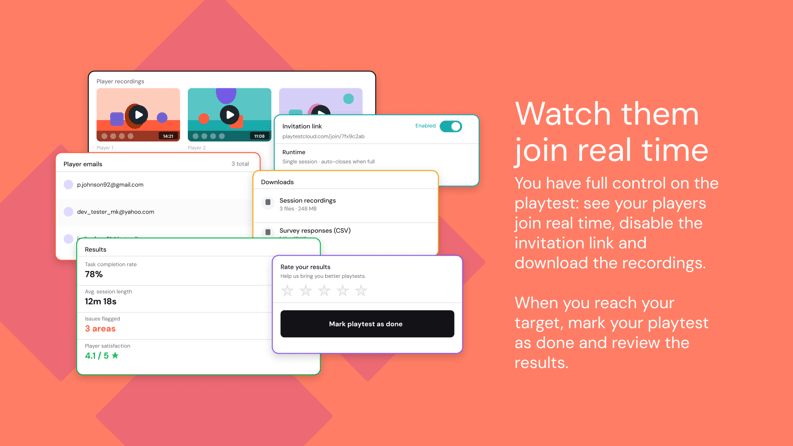
The link disables automatically when you hit your player cap. You can also disable it manually at any time from your results page.
Moderated sessions also got simpler
If you run moderated playtests with your own players, five defaults that are designed for our panel won’t apply for community playtesting anymore:
- Canceling interviews with players that don't confirm that they will join.
- Forcing players to use headphones to participate.
- Performing a tech check before players can join.
- Forcing you to give players more choices for time slots.
- Requiring a gap between when the order is placed and the first time slot.
With BYOP you own the process and players can directly access the session with a click.
Who has access and when
The new invite link option is rolling out to all studios with access to community playtesting from today. Check your settings before your next session to make sure it’s active!
Try it
If you have the Bring your own players feature available: just open a new playtest order, choose "Bring your own players" and select "Create a public invite URL." Your invitation page settings appear right below, with a preview available before you place the order.
If you don’t have access to BYOP yet, contact us and we’ll make it available for you!
Still like the old way better?
Change is hard, we get it. You can still upload a list of emails to add players to a playtest, and no one will judge you for it.

We're PlaytestCloud and we help game studios gather feedback from their target players and make more successful games. Thanks for reading!